1
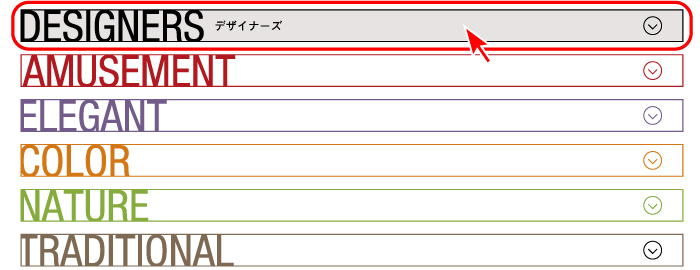
Category Selection
Select your preferred category and click the banner.
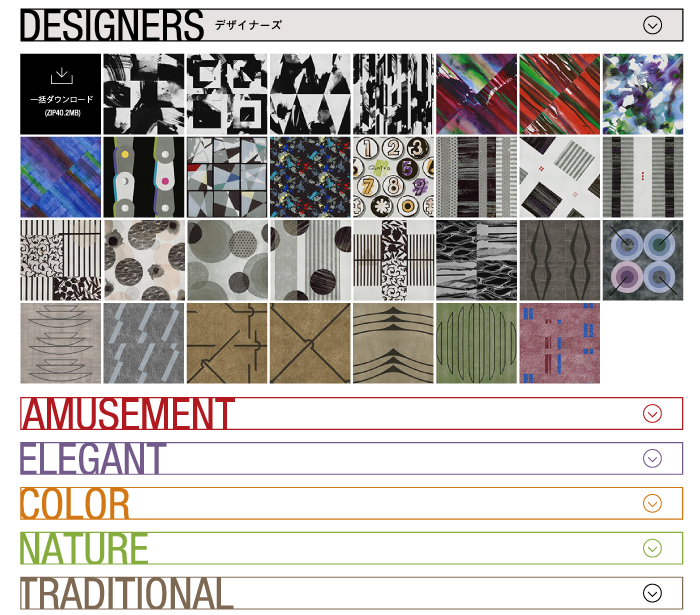
The list of selected category design is displayed.

1
Select your preferred category and click the banner.
The list of selected category design is displayed.

2
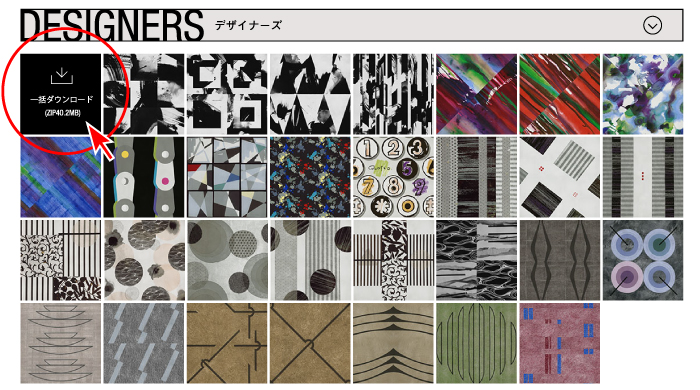
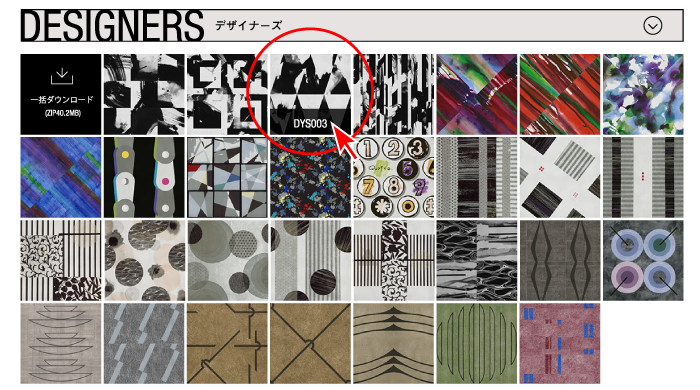
Click Batch Download button at the top of each category.
Batch download is available per category.
3
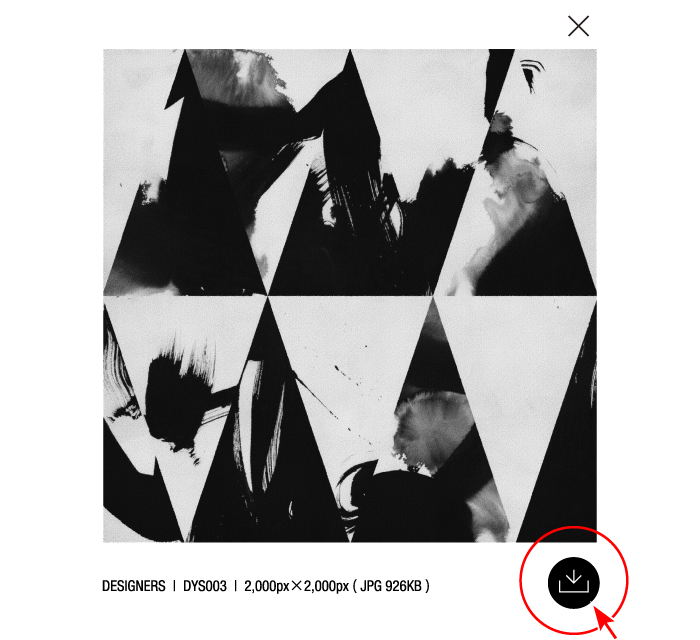
Select and click your preferred design.
The expanded design image is displayed.
Click the download button at the right bottom corner.
Downloading your selected design image is available.